
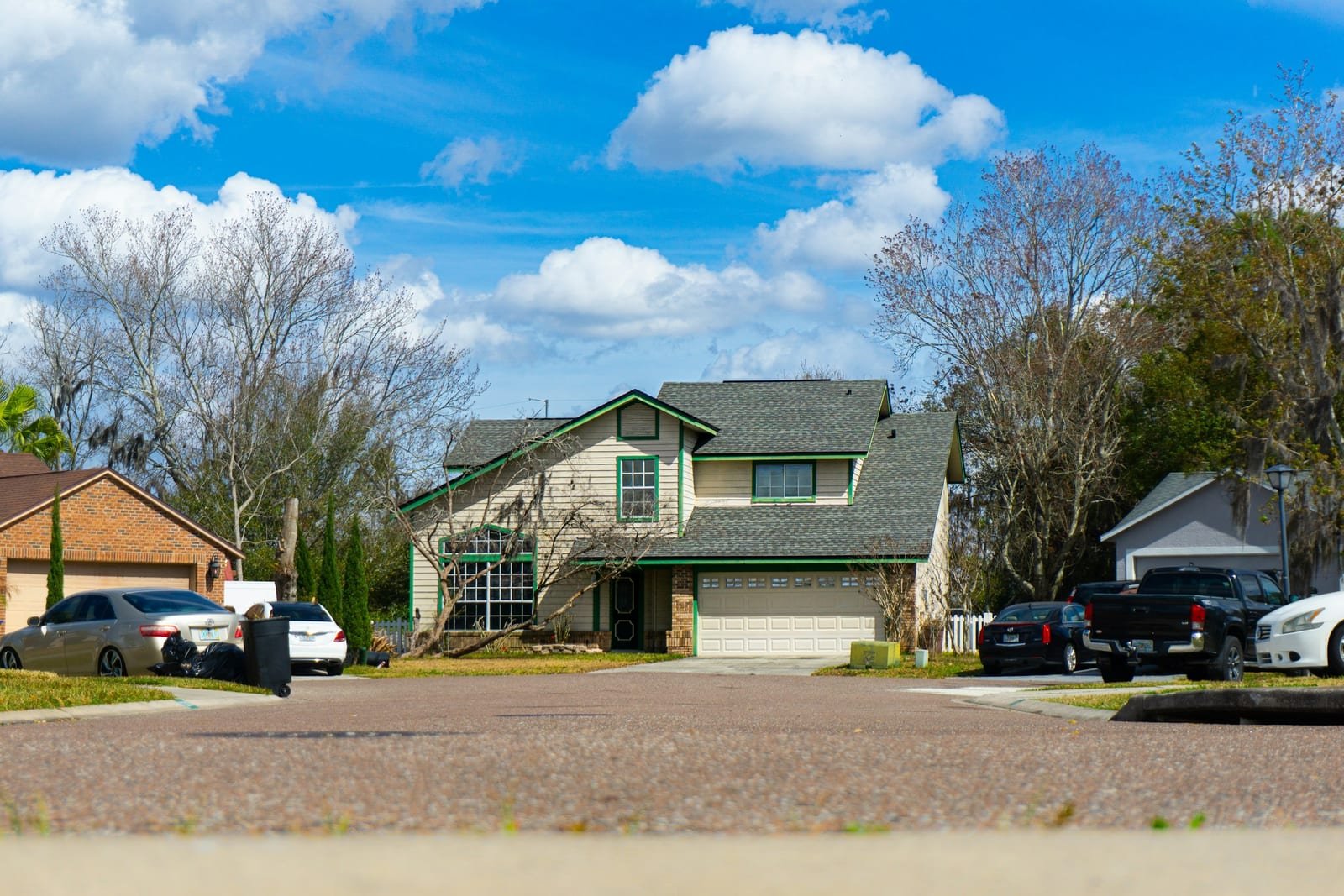
Nextdoor for business is mostly free and mostly word of mouth. You claim a free business page, neighbors who’ve used you recommend you and give you a Fave, and when someone posts “anyone know a good electrician?” your name has a better chance of coming up. Paid options sit on top: self-serve ads, Opportunity Alerts that send you neighbors’ service requests, and Neighborhood Sponsorships sold by ZIP code. For a residential trade business, the free side is usually worth an hour to set up and a few minutes a week. Whether the paid side pays off depends on how many of your customers actually use the app.
Nextdoor changed a fair bit in 2026, with a new self-promotion policy in August and redesigned business pages in September, so older guides may be out of date. Everything below was checked on Nextdoor’s own business site and blog on 13 November 2026. Nextdoor’s help center wouldn’t load for us, and we say where that leaves a gap.
What do you get with a free Nextdoor business page?
Any owner, employee or other authorized representative can claim a business page. According to Nextdoor’s business site, the free page gives you:
- A profile: your phone number, email and address, plus photos of your team, your premises and your work.
- Recommendations and Faves from neighbors, shown on your page.
- Messaging, so you can reply to new and returning customers from the page.
- Free posts: Nextdoor’s business site promises “unlimited free posts” to the neighborhood newsfeed, with the audience set by a radius around your business and the neighborhoods you pick.
In September 2026 Nextdoor redesigned free business pages in the US, UK and Canada, adding cover photos, a “what neighbors say” view, more prominent Fave Award displays and a simpler call-or-message bar. That last one matters for trades: it puts your number one tap away. Nextdoor says one in three US households are on Nextdoor and that 77% of its users are homeowners. Those are Nextdoor’s own figures, but if they hold where you work, those are your customers.
How do Faves and recommendations work?
Nextdoor describes a Fave as its signal that a neighbor vouches for a business. A recommendation is the written version, where a neighbor says what you did and how it went. Nextdoor’s own guidance says written recommendations don’t increase your Fave count, so it’s worth asking for both.
- Share your page link. Nextdoor says your unique link sits under the “Page” tab. Put it in your job-complete text, your email signature and on your invoices.
- Ask at the right moment. The end of a job that went well, when the customer is relieved the AC is blowing cold again, beats a mass email months later.
- Reply to every recommendation, good and bad. Nextdoor encourages it as a way to build trust, and a calm reply to a complaint can say more than the complaint.
- Don’t pay for Faves. Nextdoor’s guidance we found doesn’t cover incentives, but the FTC’s rule bans paying for reviews that say something positive, and it isn’t worth the risk.
Two newer features build on Faves. Local Faves, launched on 2 September 2026, is a discovery hub where neighbors browse businesses by recommendations from verified neighbors. And the annual Fave Awards let neighbors vote for local businesses; winners get a window sticker, a trophy badge on their page and a featured spot in Local Faves. If you’re already asking customers for Google reviews, adding your Nextdoor link to the same message costs nothing. Our post on how to get more Google reviews covers the asking habit.
Can you promote your business from your personal Nextdoor account?
Not any more. Nextdoor’s self-promotion policy, announced on 19 August 2026, says promoting a business, service or paid opportunity must be done from a free business page, not a personal neighbor account. Casual offers can still go up from your own account up to once a month. Posts the system flags aren’t deleted, but fewer neighbors see them, and you get an email and a banner on the post. Nextdoor Groups, where admins set their own rules, are exempt, and so are Opportunity Alerts and Nextdoor Ads.
The policy doesn’t spell out whether you can answer “who’s a good plumber?” by naming your own company from your personal account. The safe route is to respond from your business page, or to let happy customers answer for you, which carries more weight anyway.
What should a trade business post on Nextdoor?
Think helpful neighbor, not billboard. Posts that tend to suit a trade business:
- A seasonal reminder, like disconnecting garden hoses before the first freeze or changing furnace filters.
- A short answer to a question you hear every week, such as why a breaker keeps tripping.
- A storm update: what to check, what not to touch, and how to reach you.
- A photo of a finished job in the neighborhood, with the customer’s permission.
- Open slots, like “two openings Thursday afternoon for tune-ups.”
Expect this to keep changing. In its September 2026 update, Nextdoor said businesses in the US will be able to post updates and comment alongside neighbors in the neighborhood feed, and listed it as coming soon.
What do Nextdoor’s paid options cost?
Nextdoor doesn’t publish a rate card for any of them. Here’s what it does say about each:
| Product | What it does | How pricing works |
|---|---|---|
| Nextdoor Ads (Ads Manager) | Self-serve ads in the newsfeed, the For Sale and Free section and the desktop right-hand rail. Targeting includes homeownership, income, age and gender, plus your own customer lists. | You set a daily goal or a lifetime budget. You’re billed when spend reaches a billing threshold or on your monthly billing date. One of Nextdoor’s small business landing pages pitches ads “for less than $5/day” and targeting within 30 miles of your business. |
| Opportunity Alerts | A text or email when a neighbor within 20 miles of an address you choose posts a request in up to three service categories. | Monthly subscription, billed on the day you signed up, cancel anytime. No price on the product page. |
| Neighborhood Sponsorships | Tips and advice ads, conversation starter ads and custom business posts in the ZIP codes you sponsor. | Sold by ZIP code. No prices published. |
Opportunity Alerts is the one most trades ask about. Eligible categories include HVAC, plumbers, electricians, roof services, handyman, home cleaners, pest control and gutter services. You reply to the neighbor’s post or comment on it, so it behaves more like a lead marketplace than an ad, and Nextdoor itself warns you’ll get a mix of strong and weak fits. Judge it the way you’d judge Angi or Thumbtack: what you paid in a month, divided by the jobs it booked.
Is Nextdoor worth it for a trade business?
The free page usually is. The paid products depend on your work and your area. Here’s the honest split:
- Good fit: residential work in suburbs and towns where neighbors already ask each other for recommendations, trades people ask about often (plumbing, electrical, HVAC, cleaning, lawn care, handyman, pest control), and a business with happy customers who’ll vouch for it.
- Weaker fit: mostly commercial work, very rural service areas, and emergency calls, because someone with a burst pipe searches Google rather than posting and waiting for replies.
- The real cost is time. Nextdoor rewards businesses that reply to posts and messages the same day. If nobody in your shop can do that, the paid products won’t help much.
If you’re deciding where to spend your first hour, your Google Business Profile comes first, because that’s where people searching for your trade will find you. Our Google Business Profile checklist for contractors covers it. Set up Nextdoor next, then test a paid option only once the free side is bringing in recommendations.
How do you turn Nextdoor attention into booked jobs?
A neighbor sees three recommendations for you, taps the call button on your page, and gets your voicemail because you’re under a sink. They tap the next name in the thread. A recommendation gets you the call, but you still have to answer it. Our post on speed to lead covers what the research says about response time, and how to get faster without living on your phone.
If your problem is calls during jobs or after hours, this is where we come in. We make Ansdale, an AI receptionist for home service businesses. It answers calls forwarded from your existing business number 24/7 in your company name, books jobs into its calendar with two-way Google Calendar sync, and sends urgent calls to you under rules you set. Plans start at $49 a month.
Frequently asked questions
Is Nextdoor free for businesses?
Yes. Claiming a business page is free, and Nextdoor’s business site promises unlimited free posts. Ads, Opportunity Alerts and Neighborhood Sponsorships are paid extras.
How much does advertising on Nextdoor cost?
Nextdoor doesn’t publish a rate card. With Nextdoor Ads you set a daily or lifetime budget, while Opportunity Alerts is a monthly subscription and Neighborhood Sponsorships are sold by ZIP code, and neither shows a price on Nextdoor’s pages.
Can I post about my business from my personal Nextdoor account?
Not to promote it. Since Nextdoor’s August 2026 policy change, promoting a business has to happen from a free business page. Casual offers are allowed from a personal account up to once a month.
What’s the difference between a Fave and a recommendation on Nextdoor?
A Fave is Nextdoor’s signal that a neighbor vouches for your business, and a recommendation is a written comment about the work. Written recommendations don’t increase your Fave count, so ask for both.
Leave a Reply