
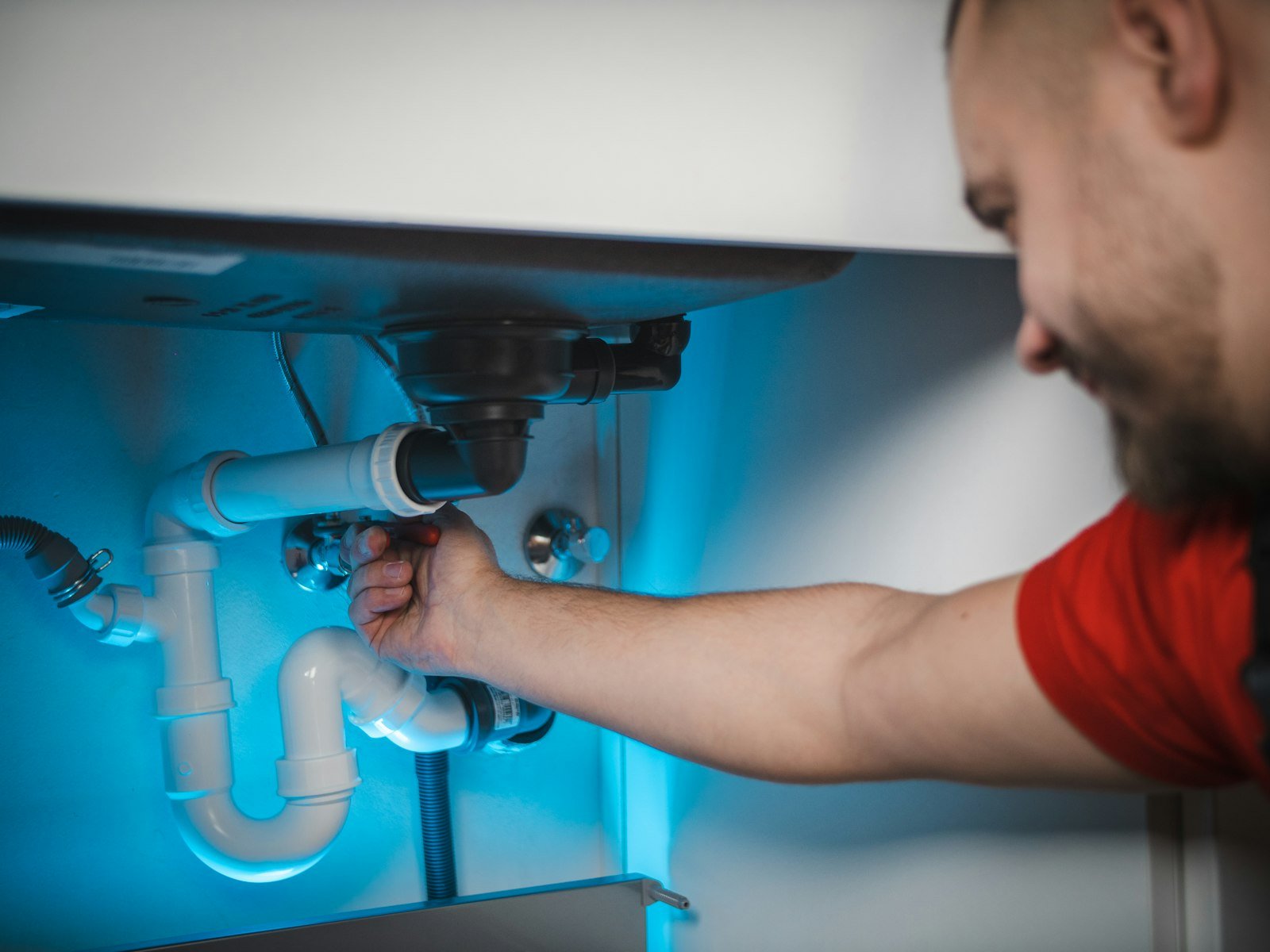
An appointment confirmation text is the message a customer gets right after they book. It’s not the reminder the day before; it’s the “you’re booked, here are the details” text that lands while they’re still on the phone or just after. For a home service business it does three jobs at once: it proves the booking happened, it puts your name and number in their phone, and it gives them an easy way to fix a mistake before your tech drives out.
Below are confirmation text templates you can copy, what to put in them, and how they fit with the reminders that follow. We make Ansdale, an AI receptionist that books jobs on the call, so we’ve seen plenty of these go out.
What’s the difference between a confirmation and a reminder?
A confirmation goes out at booking and says what was agreed. A reminder goes out shortly before the visit and nudges them not to forget. Some businesses also send a confirmation request a day or two before, asking the customer to reply YES. That’s really a reminder with a question attached, and our appointment reminder text templates cover it. This page is about the first message, the one that makes the booking feel real.
What should a confirmation text include?
- Your business name first, so it doesn’t look like spam.
- The day, date and time, or the arrival window for home visits.
- The address you have on file, so a wrong unit number gets caught now, not at the door.
- What’s booked, in a few words: “AC not cooling”, “estimate for kitchen faucet”.
- Anything they need to know, like your service call fee or “please keep pets inside”.
- How to change it, by reply or by calling, and an opt-out line on the first text.
Keep it to one or two standard texts. Customers read the first line and the time; everything else is there for when they need it.
Which templates can you copy?
Standard service visit
“Brightwater Plumbing: You’re booked! Thu Nov 13, arrival 8 to 10 am, at 42 Oak Ln. Issue: leaking water heater. Our service call fee is [fee]. Reply here or call 555-0142 to change it. Reply STOP to opt out.”
Estimate or quote visit
“Summit Roofing: Confirmed, free roof inspection Sat Nov 15 at 10 am, 18 Birch St. Mike will call 30 min before. Anything changes, just reply.”
Same-day or emergency booking
“Summit Heating and Air: We’ve got you. A tech is booked for today between 2 and 4 pm for no heat at 7 Elm Ct. If it gets worse, call 555-0199 and say it’s urgent.”
Recurring service
“Greenline Lawn Care: You’re set for mowing every Tuesday starting Nov 18. We’ll text the day before each visit. Reply SKIP to skip a week or STOP to opt out.”
Rescheduled appointment
“Brightwater Plumbing: Done, we’ve moved you to Mon Nov 17, 1 to 3 pm. Your old time is cancelled. Reply if that doesn’t work.”
Swap in your own names, prices and windows. If you charge a fee for late cancellations, say so in the confirmation, not for the first time in a reminder. Our no-show policy templates include wording that doesn’t sound like a threat.
When should the confirmation go out?
Immediately. The best time is while the customer is still on the call or within a minute of hanging up, so they can glance at it and say “actually, it’s apartment 3B”. A confirmation that arrives hours later feels like an afterthought, and some customers will have already called someone else to be safe.
After that, the usual pattern is a reminder the day before and an “on the way” text on the day. Three messages per booking is plenty for most home service visits.
Do you need consent to send confirmation texts?
You should have the customer’s permission to text them and keep a record of it. A confirmation for an appointment they just booked is informational, which is treated more gently than marketing, but a promo code tacked on the end can change that. Keep confirmations about the appointment only. Our guide to SMS confirmations and the TCPA explains what to collect and how to store it.
What if the customer replies?
Someone needs to read the replies. “Can you come earlier?” or “wrong address” sitting unread in a texting app is how a confirmed job becomes a wasted trip. If your system sends from a number nobody watches, say “please call us to make changes” instead of inviting replies you won’t see.
Ansdale, which is ours, books the job during the call on every plan, into its calendar with two-way Google Calendar sync. SMS confirmations start on the Growth plan ($99 a month), with a timestamped opt-in stored for every number. More on cutting wasted trips is on our no-show protection page.
Questions people ask
What should an appointment confirmation text say?
Your business name, the day and time or arrival window, the address, what’s booked, anything the customer needs to know such as your service fee, and how to change the appointment.
When should I send an appointment confirmation text?
Right after the booking, ideally within a minute, so the customer can spot mistakes while the call is fresh. Follow it with a reminder the day before.
Is a confirmation text the same as a reminder?
No. A confirmation goes out at booking and records what was agreed. A reminder goes out shortly before the appointment so the customer doesn’t forget.
Do I need permission to send confirmation texts?
You should have the customer’s consent to text them and keep a record of it. Keep confirmations about the appointment only, because adding promotions turns them into marketing messages.
Leave a Reply